

If you’ve been anywhere near the data engineering or analytics space lately, you’ve heard the buzz: AI coding assistants are changing how we work. GitHub Copilot, Cursor, ChatGPT — they’re everywhere. But there’s one tool that has been quietly gaining serious traction among engineers and analysts, and it works differently from all of them.
It’s called Claude Code, and it runs right in your terminal.
What is Claude Code?
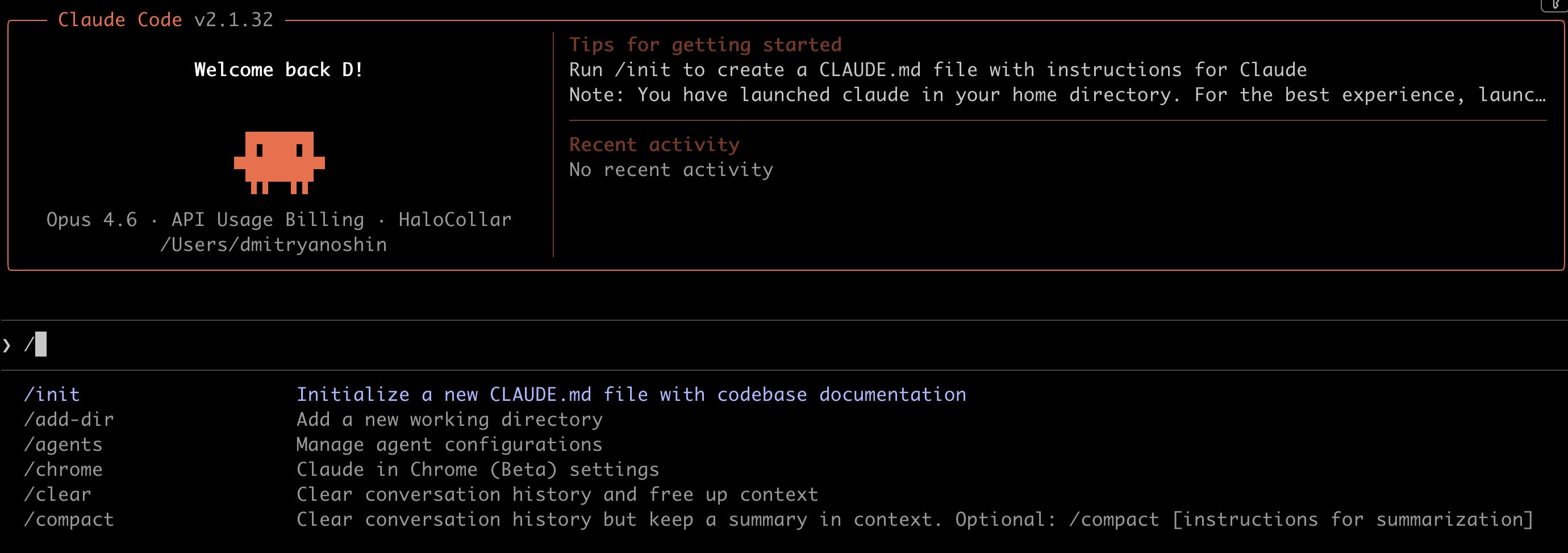
Claude Code is an AI coding agent built by Anthropic, the company behind the Claude family of large language models. Unlike a chatbot that gives you code snippets to copy-paste, or an autocomplete tool that guesses your next line, Claude Code has full access to your project. It can read your files, edit them, run commands, work with git, search the internet, and manage entire projects — all from the terminal.
Think of it as a very capable junior developer sitting next to you, except it never gets tired and it can process your entire codebase in seconds.
# Install Claude Code
curl -fsSL https://claude.ai/install.sh | bash

# Start it in your project
cd my-project
claude
That’s it. You’re now talking to an AI agent that understands your project structure, your code, your dependencies — everything.
Why is it so popular?
Three reasons:
1. It actually does things, not just suggests them. When you tell Claude Code to “add error handling to the data pipeline,” it reads the relevant files, writes the code, and can even run the tests to verify it works. Other tools give you a code block to copy. Claude Code makes the changes directly.
2. It fits into how data professionals already work. We live in terminals. We run Python scripts, SQL queries, dbt commands, Spark jobs. Claude Code meets us where we are — no new IDE to learn, no browser tab to switch to. Just your terminal.
3. The quality is genuinely good. Anthropic’s Claude models consistently rank at the top of coding benchmarks (SWE-bench). Claude 4 Opus solves ~72% of real-world GitHub issues autonomously. That’s not a toy — that’s a tool you can rely on for production work.
A Quick Primer: How LLMs Power All of This
To understand why Claude Code works the way it does, it helps to know the basics of what’s under the hood.
Large Language Models (LLMs) are programs trained on billions of texts. They learn patterns — which words follow which, how code is structured, what logic connects ideas. When you ask a question, the model doesn’t look up an answer in a database. It generates text token by token, predicting the most likely next word based on everything it’s learned.
A few key concepts:
Tokens — LLMs work with chunks of text called tokens. “Hello” is 1 token. “authentication” is 3-4 tokens. Every model has a context limit — the max tokens it can process at once.
Context window — Claude’s context window is 200K tokens (~500 pages). That’s enough to hold your entire project in “memory” during a conversation.
The agentic loop — Claude Code doesn’t just answer once and stop. It works in a cycle: gather context (read files), take action (edit code, run commands), verify results (run tests), and repeat until the task is done.
This is what makes Claude Code an agent rather than just a chatbot. It autonomously decides what to do next, uses tools, and iterates on its own work.
What can you actually do with it?
Here are some real scenarios from my daily work:
Analyze data:
> Download Microsoft stock data for the last year.
Plot price with MA50 and MA200. Add trading volume below.
Mark key events on the chart.
Claude Code creates the Python script, installs dependencies, generates the chart, and saves it as a PNG. In about 2 minutes.
Build an API:
> Create a REST API on FastAPI for managing notes.
CRUD operations, SQLite via SQLAlchemy, Dockerfile included.
Debug errors:
> I get “TypeError: cannot unpack non-iterable NoneType object”
in processor.py line 45. Fix it.
It reads the file, finds the bug, fixes it, and runs the tests. If the tests fail, it fixes those too.
Work with git:
> Look at what changed, commit with a good description, and create a PR.
Run multiple agents in parallel:
> Create a team: one agent handles the backend, one writes tests,
one builds documentation. Coordinate through a shared task list.
Yes, you can run an army of agents — multiple Claude Code instances working simultaneously on different parts of your project. This is where things get really powerful.
What I built: Claude Code 101 for Data Professionals
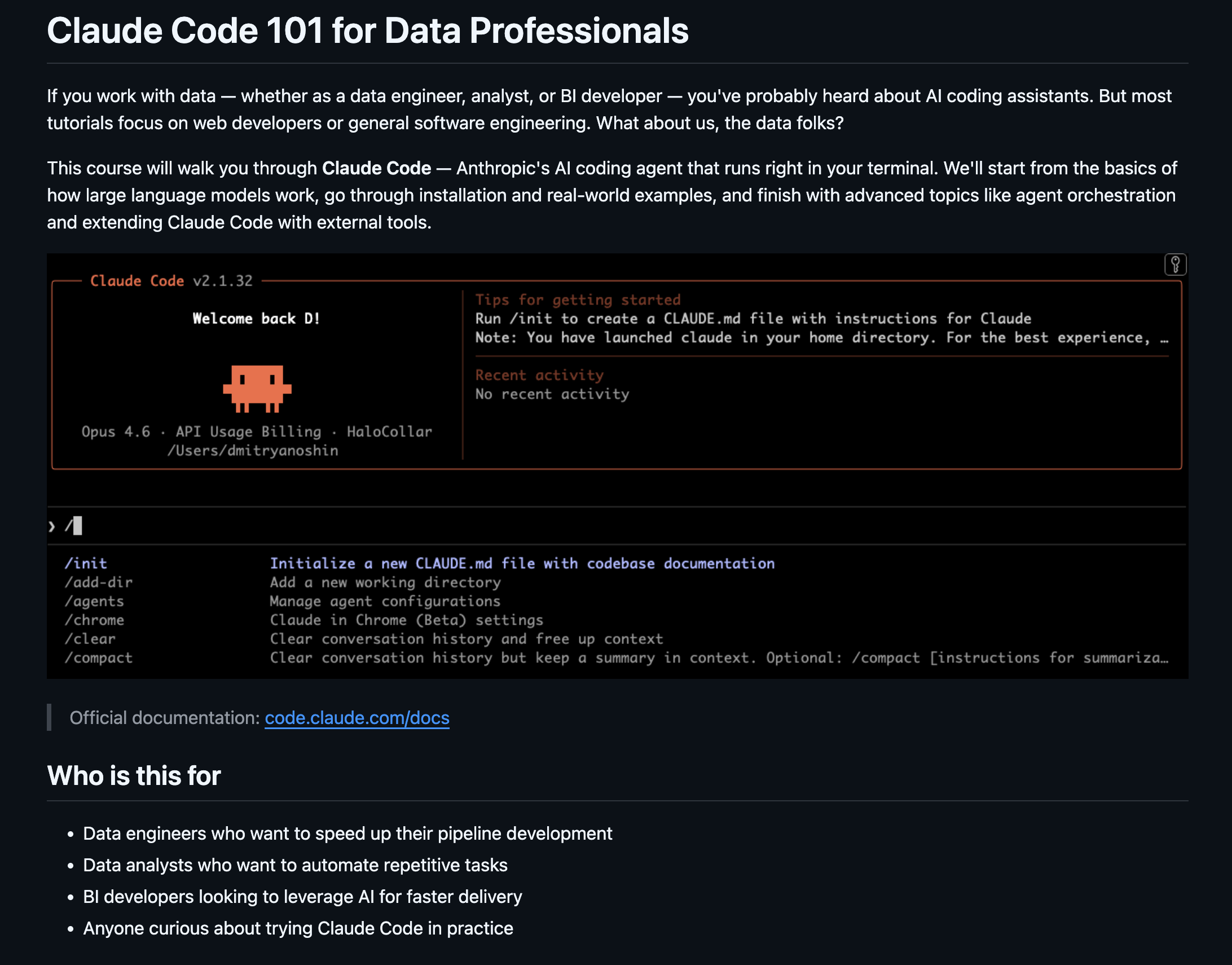
I’ve put together a free course that covers everything from LLM basics to running coordinated agent teams. It’s written specifically for data engineers, analysts, and BI developers — not web developers, not mobile developers, us.
10 modules, from zero to advanced.
What you’ll learn
LLM Fundamentals - How models work, tokens, context windows, the Claude family
What is Claude Code - Installation, authentication, commands, IDE setup
Capabilities - The agentic loop, multimodal input, headless automation
Hands-on: Stock Analysis - Build a real project step by step
More Examples - 9 practical tasks: scrapers, APIs, bots, testing, docs
Code Quality - Model benchmarks, quality checklists, when not to trust AI
Agent Army - Multi-agent orchestration, Agent Teams, git worktrees, tmux
MCP & Extensions - Connect to GitHub, Sentry, PostgreSQL, Slack via MCP
Best Practices - Context management, prompting strategies, scaling patterns
Other Models - OpenRouter, Ollama, LiteLLM, Cline & Kilo Code
The course is free on GitHub: github.com/surfalytics/ClaudeCode101
Each module is a self-contained markdown file with code examples, tables, and practical exercises. Start from Module 01 or jump to whatever interests you most.
Want to go deeper?
Here are some other great (also free) resources:
Claude Code: A Highly Agentic Coding Assistant — DeepLearning.AI + Anthropic, ~2 hours
Claude Code in Action — Official Anthropic course
Claude Code on Coursera — Vanderbilt University, ~5 hours
Claude Code for Everyone — Community course
Getting started
If you want to try Claude Code right now:
# 1. Install

curl -fsSL https://claude.ai/install.sh | bash

# 2. Navigate to any project

cd your-project

# 3. Start Claude Code

claude

# 4. Ask it anything

> Explain what this project does and suggest improvements.
You’ll need either an Anthropic API key or a Claude Pro/Max subscription. The Pro plan starts at $20/month.
In module 10 I am sharing the option to use Claude Code with free models.
The future of data work isn’t about writing every line by hand — it’s about knowing how to direct AI agents effectively. The sooner you start building that muscle, the better.
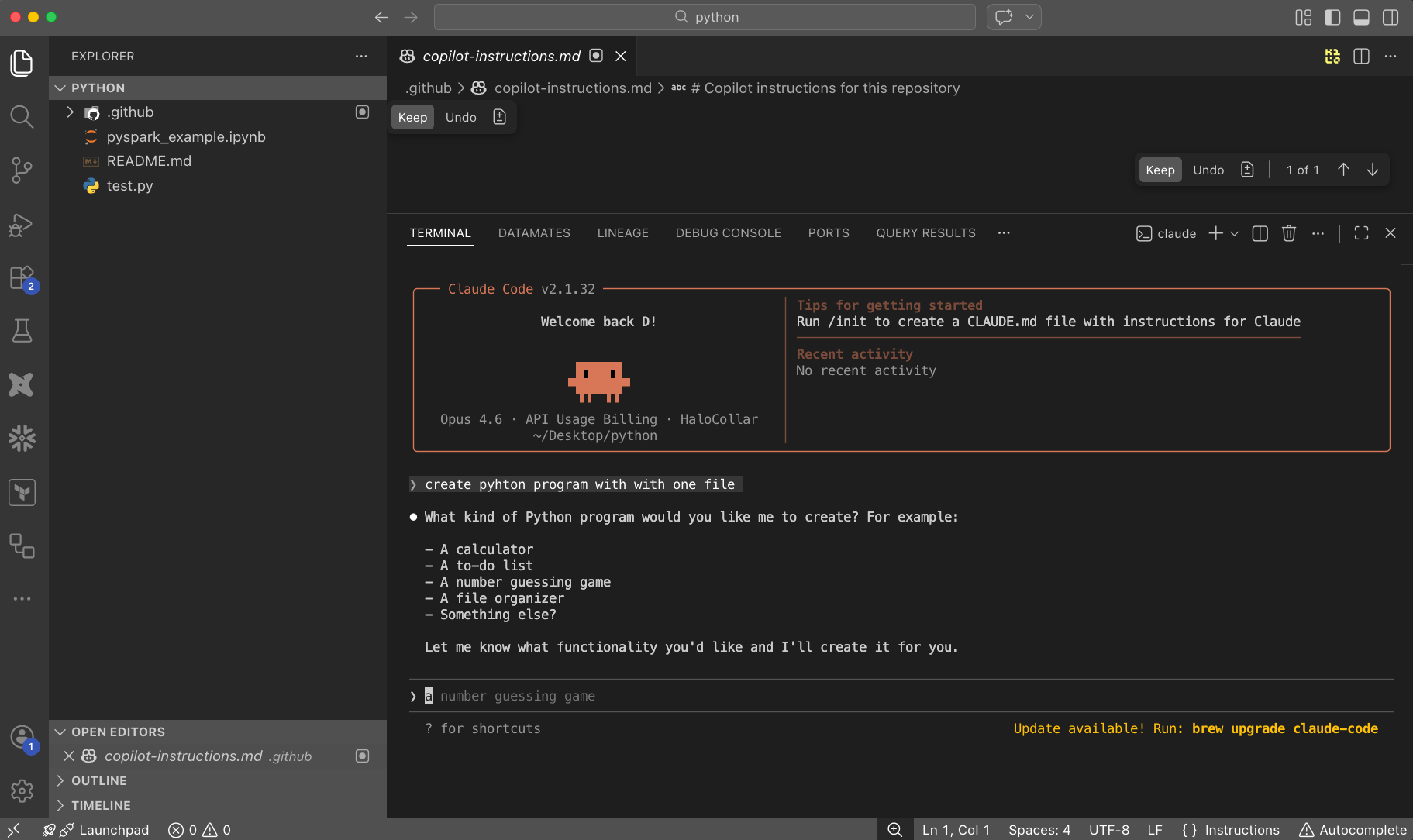
You can use Claude Code in CLI or in IDE such as VS Code. If you are new, use with VSCode, if you are pro, feel free to run CLI only.
Connect with me on LinkedIn or visit surfalytics.com for more data engineering content.